
Build and run a debug build
This page takes a fresh clone of the repository to a debug build running on a device. The app is offline by design: it needs no environment variables and talks to no server, so nothing here asks you for a key or an account.
Prerequisites
Section titled “Prerequisites”| Tool | Version | Used for |
|---|---|---|
| Git | any recent | Cloning the repository |
| Node.js | 20 or later | Metro, the tests and the scripts |
| npm | the one bundled with Node.js | Installing the locked dependency tree |
| Ruby and Bundler | 3.2.2, as .ruby-version says |
CocoaPods on iOS |
| Watchman | any recent | Faster file watching for Metro |
| Android Studio, with the SDK, the platform tools and a JDK 17 or later | Android builds | |
| Xcode with its command line tools | iOS builds, macOS only |
Check what you have:
node -vnpm -vruby -vbundle -vClone and install
Section titled “Clone and install”git clone https://github.com/Brainchip-Inc/BrainChip-Connect.gitcd BrainChip-Connectnpm ciAndroid
Section titled “Android”Set ANDROID_HOME and make sure adb is on your PATH. Start an emulator
from Android Studio, or connect a phone with USB debugging on, and check that
it is listed:
adb devicesBefore your first development build, create
android/app/src/debug/AndroidManifest.xml by hand. It is local-only and
ignored by git, so a fresh checkout does not have it.
Start Metro in one terminal and the app in another:
npm startnpm run android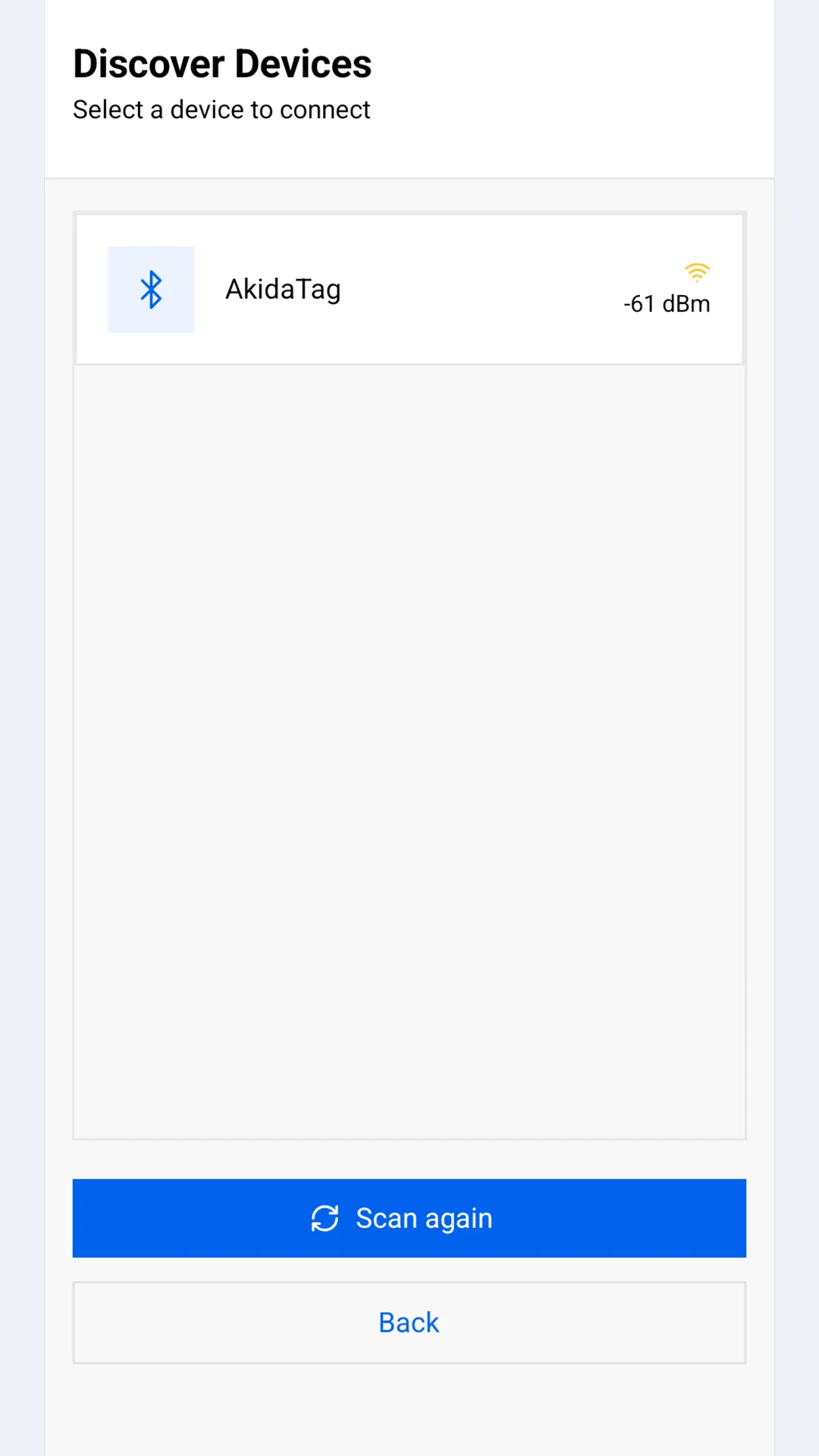
Install the native dependencies once, then run on the simulator:
cd iosbundle installbundle exec pod installcd ..npm run iosA physical iPhone needs signing set up in Xcode: open
ios/BrainChipConnect.xcworkspace, select the BrainChipConnect target,
turn on Automatically manage signing under Signing & Capabilities and
choose your team. Enable Developer Mode on the phone when it asks, and trust
the developer certificate if prompted.
A debug APK that runs without Metro
Section titled “A debug APK that runs without Metro”A plain ./gradlew assembleDebug produces
android/app/build/outputs/apk/debug/app-debug.apk, which still fetches its
JavaScript from Metro at run time and red-screens with Unable to load script once the dev server is gone. To hand someone a debug build that runs
with no cable and no laptop, use the script that bundles the JavaScript in
first:
scripts/build-standalone-debug-apk.shadb install android/app/build/outputs/apk/debug/app-debug.apkThe generated bundle and image assets are ignored by git, so running the
script leaves nothing to commit. “The custom recipe a sideloaded debug build
needs” in AGENTS.md explains why a plain build cannot do this on its own.
When a build misbehaves
Section titled “When a build misbehaves”| Symptom | Fix |
|---|---|
EADDRINUSE: address already in use :::8081 |
Another Metro is running. Find it with lsof -nP -iTCP:8081 -sTCP:LISTEN, stop it, and run npm start again. |
| Changes not showing up | Stop Metro and restart it with npm start --reset-cache. |
Signing for "BrainChipConnect" requires a development team |
Choose your team under Signing & Capabilities in Xcode. |
No Podfile found |
Run bundle exec pod install inside ios/, not the repository root. |
| iOS build breaks after pulling or changing dependencies | Run bundle install, then bundle exec pod install in ios/. If that is not enough, delete ~/Library/Developer/Xcode/DerivedData and install the pods again. |
| Android build breaks after changes | cd android && ./gradlew clean && cd .., then npm run android. |
A full clean, when nothing else helps:
rm -rf node_modules ios/Pods ios/Podfile.lock ~/Library/Developer/Xcode/DerivedDatanpm cibundle installcd ios && bundle exec pod install && cd ..scripts/clean_generated_files.sh lists the generated files the repository
ignores, and deletes them with --apply.